From spreadsheet to platform: when it's time to move
Spreadsheets are where most business software is born. Knowing when one has outgrown itself — and how to move without losing what works — is a skill.
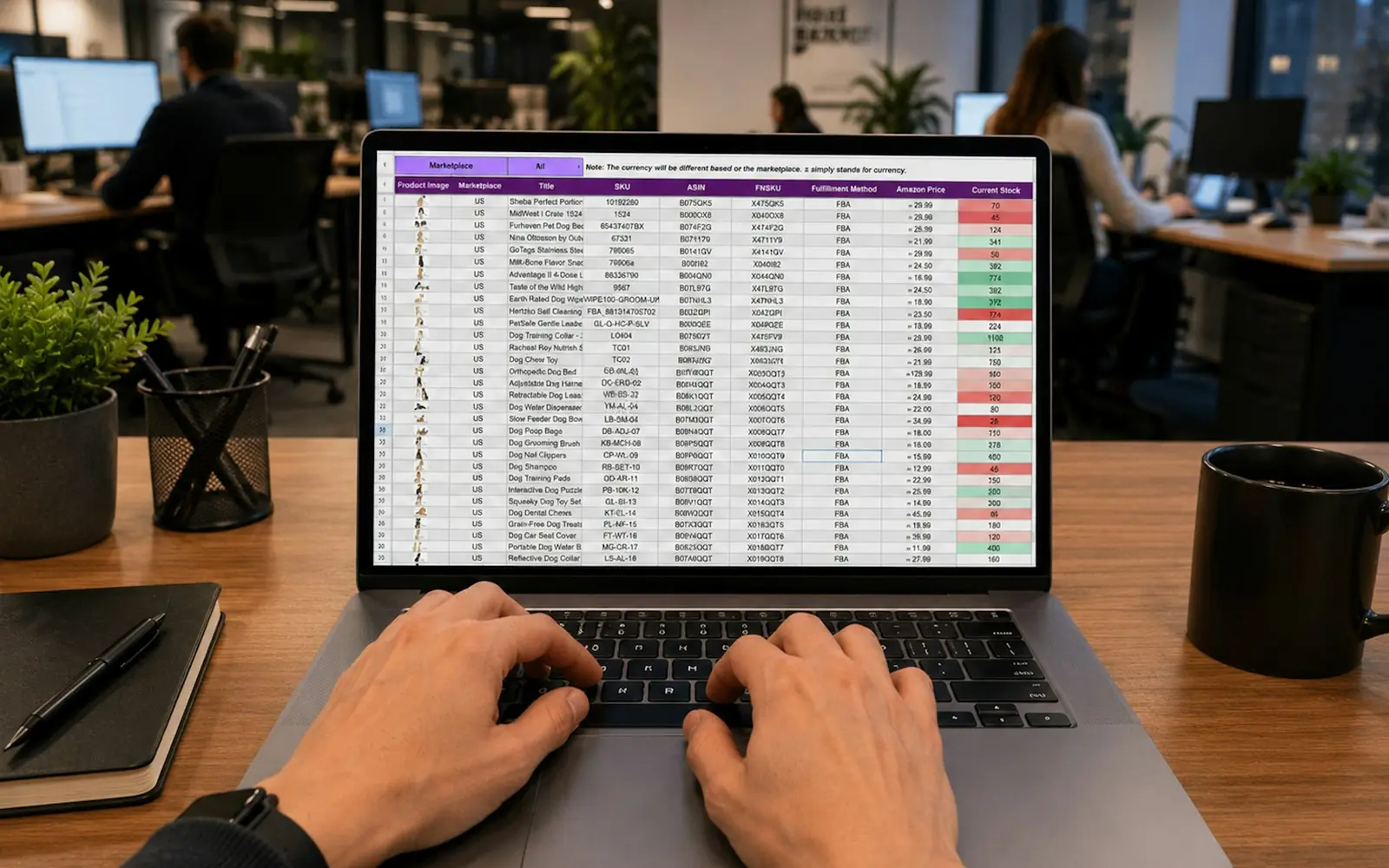
Almost every piece of business software we build replaces a spreadsheet. That is not a criticism of spreadsheets — they are the most successful programming tool ever made. A spreadsheet is often a perfectly good first version of a system. The question is when it stops being one.
Signs a spreadsheet has become a system
- Several people edit it, and conflicting versions circulate by email.
- One person understands the formulas, and holidays become a risk.
- It drives decisions or money: invoices, stock, schedules, commissions.
- Mistakes are found late, usually by a customer.
- Other tools depend on it through copy-paste or exports.
When two or three of these are true, the spreadsheet is no longer a tool. It is an unmanaged application — without permissions, history, validation or backups.
The spreadsheet is a specification
The good news is that a mature spreadsheet is an excellent starting point. Its columns reveal the data model. Its formulas encode business rules. Its colour codes and comments describe statuses and exceptions. Before designing anything, we study it carefully with the people who built it; they are usually the best domain experts in the building.
A well-used spreadsheet is a requirements document that has been tested in production.
Move without breaking the business
Replacing a spreadsheet that runs daily operations needs care:
- Keep the vocabulary. If the team calls it "the dispatch sheet", the new screen can too.
- Import the history, cleaned, so nobody loses context.
- Run in parallel for a short, defined period, comparing results.
- Keep an export, because people will still want to analyse data in a spreadsheet — and that is fine.
What to keep in the spreadsheet
Not everything should leave the spreadsheet. Part of a good migration is deciding what stays:
- Ad-hoc analysis — one-off questions, quick what-if scenarios and exploratory pivots are what spreadsheets do best.
- Personal planning that only one person uses and nobody else depends on.
- Early experiments with a new process that is still changing every week.
What should move is everything that is shared, repeated, relied upon or connected to money and customers. Drawing that line explicitly — and giving people a clean export for the rest — is often what makes a new platform feel like a relief instead of a restriction.
What the platform adds
Done well, the move brings what the spreadsheet could not: roles and permissions, validation at entry, an audit trail, automation of repetitive steps, and reporting that doesn't require anyone to rebuild a pivot table on Monday morning. The team keeps the logic they trust — and gains a system they don't have to hold together by hand.
Working on something similar?
We help companies turn problems like this one into working products. Tell us what you’re dealing with.